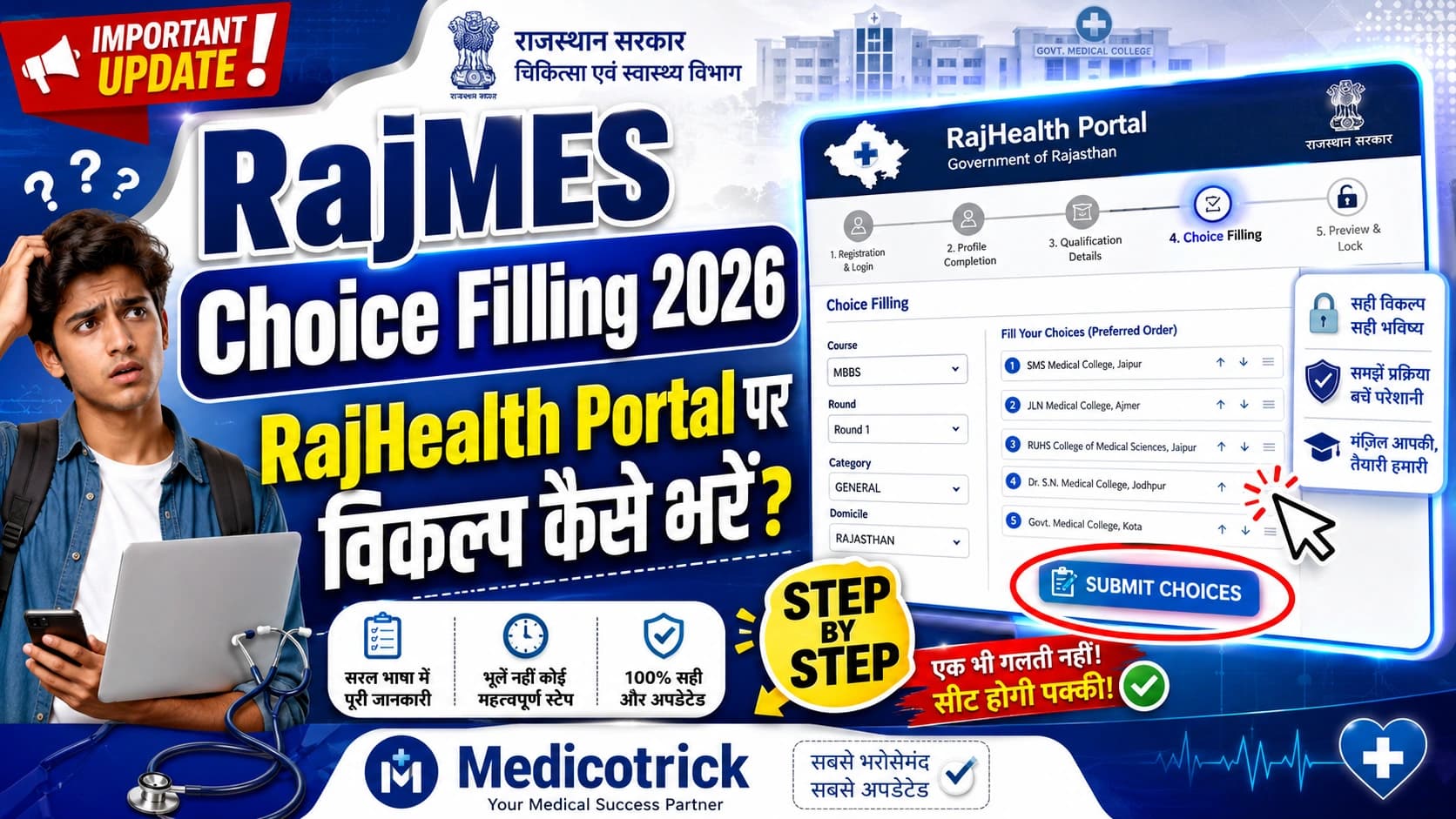
RajMES Choice Filling Guidelines 2026: RajHealth Portal पर विकल्प कैसे भरें?
Welcome to MedicoTrick! If you've recently been selected by the Government of Rajasthan for a new appointment, using the official portals can sometimes feel very challenging. To make your choice-filling process smoother, we've prepared this comprehensive, step-by-step visual guide based on the official operating instructions.
This post will guide you through the entire RajHealth portal new appointment login, how to successfully fill in your RajHealth portal choice filling online, and the final steps to Rajhealth posting order download.
Important Prerequisites
Before starting the process, please be sure to consider the following official guidelines:
Device Requirement: To avoid technical issues, it is strongly advised not to use a mobile phone.
Browser: Use a laptop or desktop with a web browser that has the latest version.
Step 1: RajHealth Portal New Appointment Login
The first step of the process is to log in to the system.
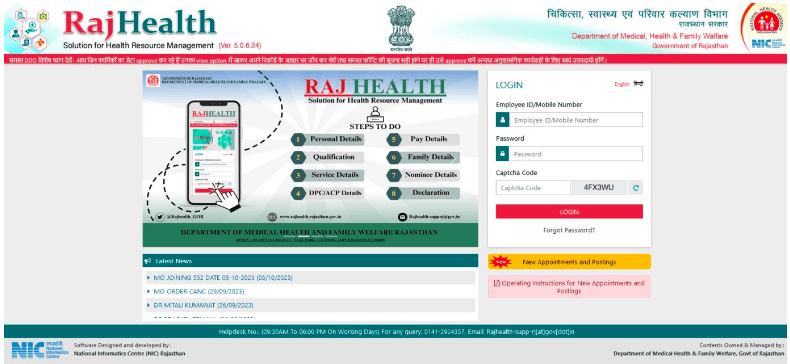
Go to the official RajHealth portal at https://rajhealth.rajasthan.gov.in and click on ‘New Appointments & Postings’ located on the homepage.
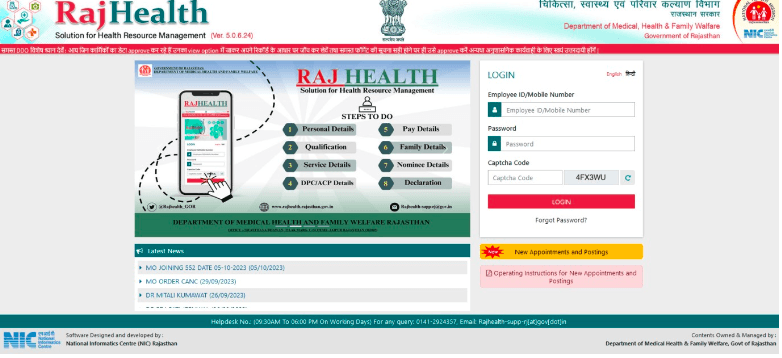
You will be redirected to the login page. Here, select ‘Appointment for Post’ from the dropdown menu.
Enter the same mobile number that you provided in your application.
Enter the CAPTCHA code and click ‘Send OTP’.
Complete the login process via OTP authentication.
Step 2: Updating Your Personal Details
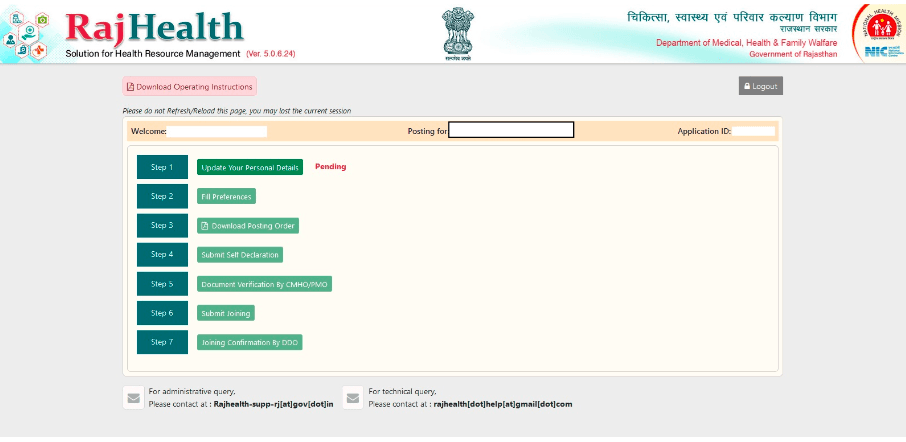
Once you successfully log in, you will see your candidate dashboard which has several steps.
Click on ‘Step 1: Update your personal details’, which will initially show a “Pending” status.
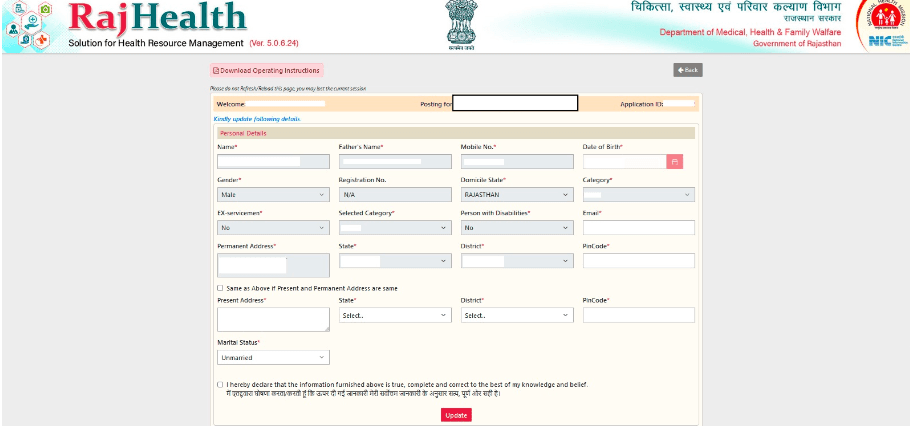
A detailed form will appear. You will need to fill in and verify your information, including your name, father's name, date of birth, gender, state of residence, and category.
Carefully enter your permanent and current address details.
You will also need to update your marital status. If you are married, you must specify whether your spouse was also selected in the current recruitment or if they are a regular employee of the Government of Rajasthan.
Once everything is filled out accurately, check the declaration box below and click the ‘Update’ button.
Step 3: RajHealth Portal Choice Filling Online
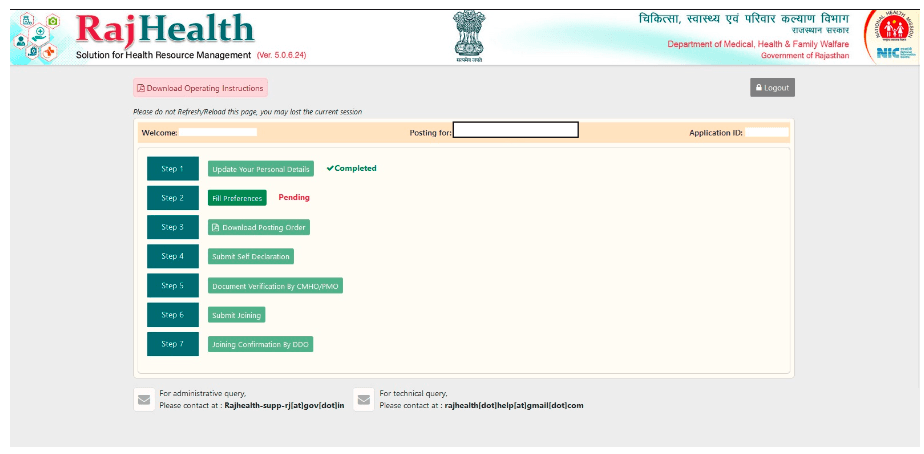
After updating your personal information, Step 1 will be marked as “Completed,” and you can proceed to the most important step: selecting your posting preferences.
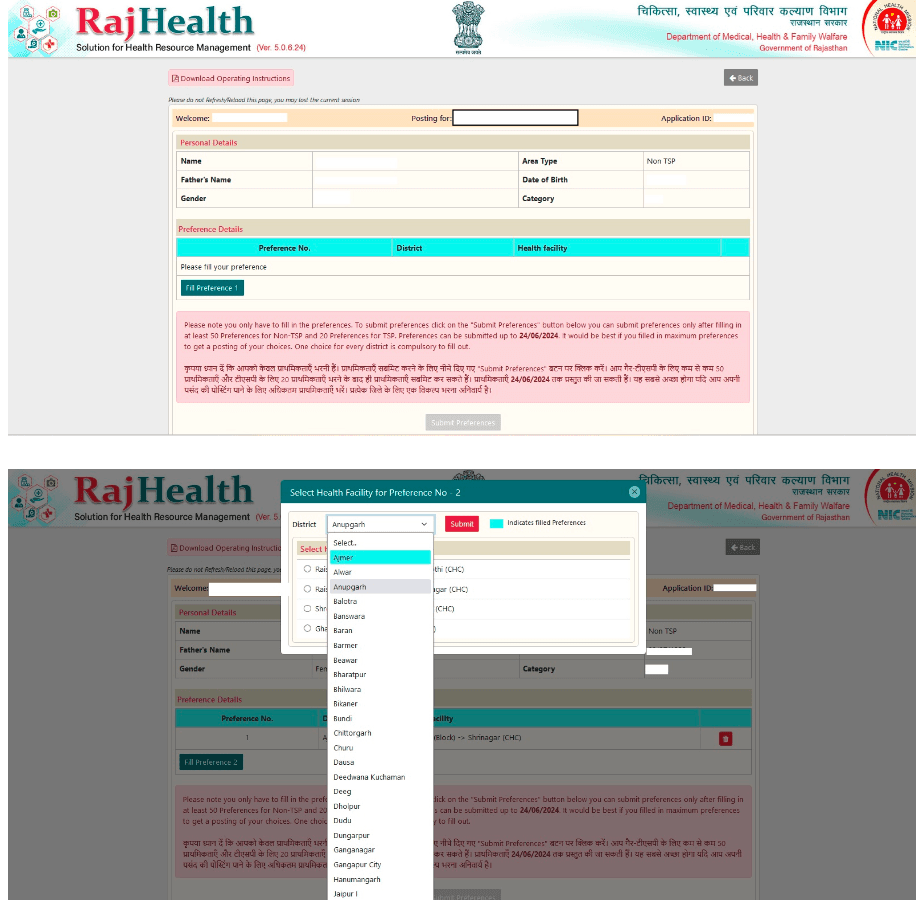
Click on ‘Step 2: Fill Preferences’.
A window will open that will allow you to choose your preferred district and health facility.
Requirements for filling out preferences: Before the system allows you to submit, you must fill in at least 50 preferences for non-TSP areas and 20 preferences for TSP areas.
Helpful tip: To ensure your desired posting, try to fill in as many preferences as possible according to the official instructions.
Once you have met the minimum requirement, click the “Submit Preferences” button.
Step 4: Rajhealth Posting Order Download & Self-Declaration
You must wait until the Directorate of Medical and Health Services (DMHS) issues the official posting order.
Once the order is issued, repeat the RajHealth portal new appointment login process using an OTP from your registered mobile number.
Your dashboard will now allow you to proceed to the next steps. Click on ‘Step 3: Download Posting Order’ to save your official document.
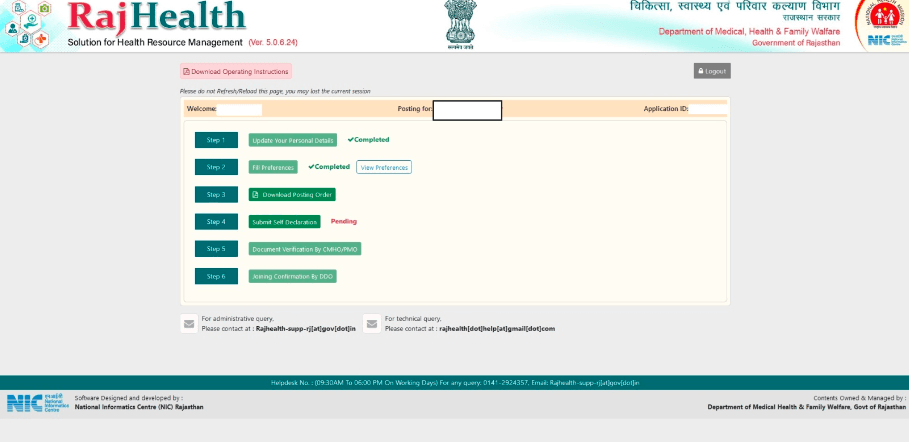
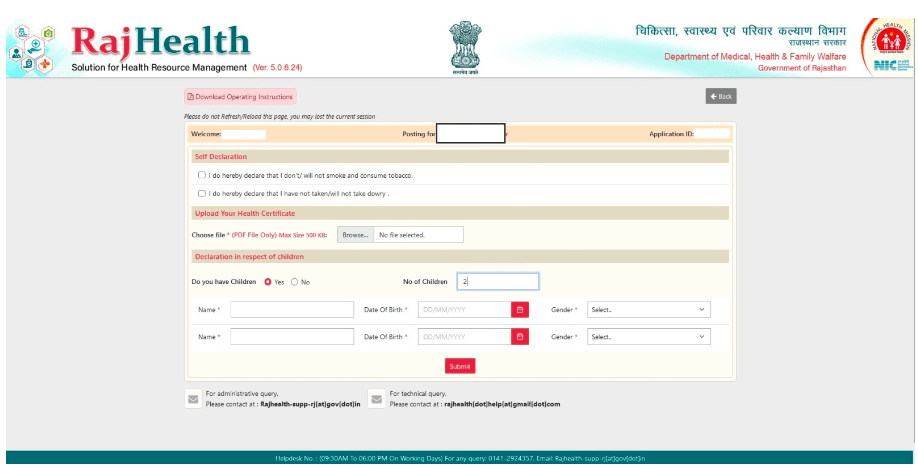
Next, click on ‘Step 4: Submit Self-Declaration’.
On this page, agree to the standard declarations (such as not demanding or consuming dowry).
You must upload your health certificate strictly in PDF format.
Finally, provide details about your children (if applicable) and click ‘Submit’.
Step 5: Document Verification
Congratulations! After completing Step 4 online, the final step is to appear in person at your respective office with all your original documents for verification.
Double-check all your entries during the online process to ensure a hassle-free joining experience. Stay connected with Medicotrick for more updates and guides on nursing and government medical recruitment.